
 Superbuy

Superbuy Spreadsheet
Search Weidian finds by product name, item ID or photo. Compare reference prices, open product details and follow Superbuy’s ordering and shipping steps.

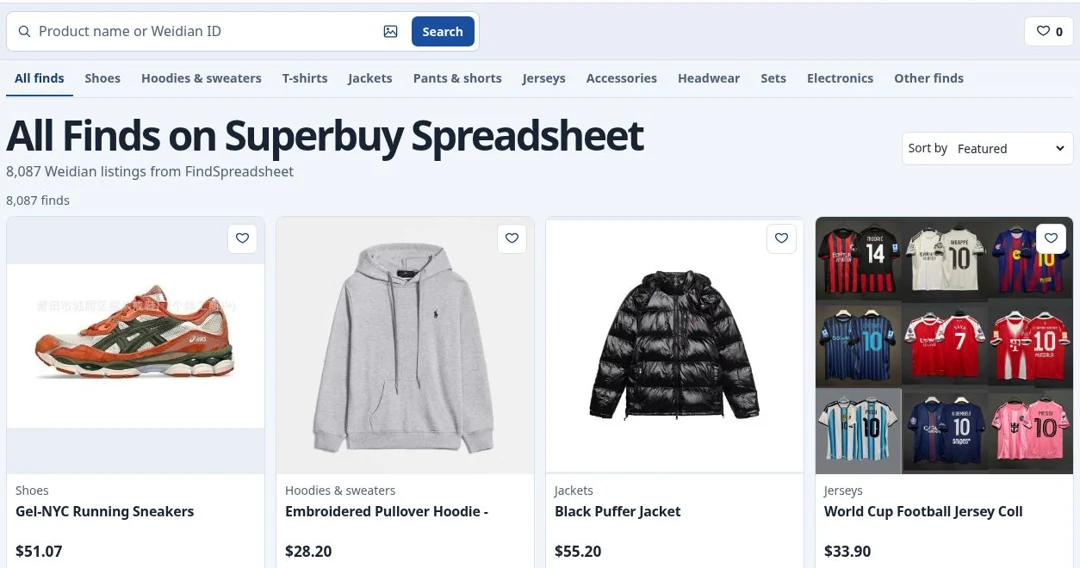
All Finds on Superbuy Spreadsheet
8,087 Weidian listings from FindSpreadsheet
8,087 finds
Swipe for more products
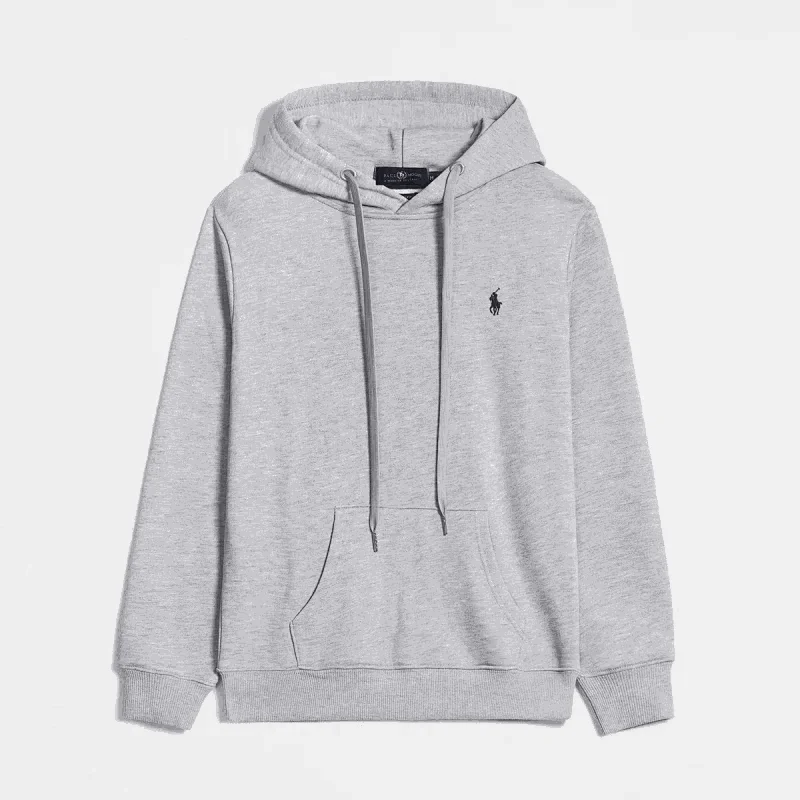
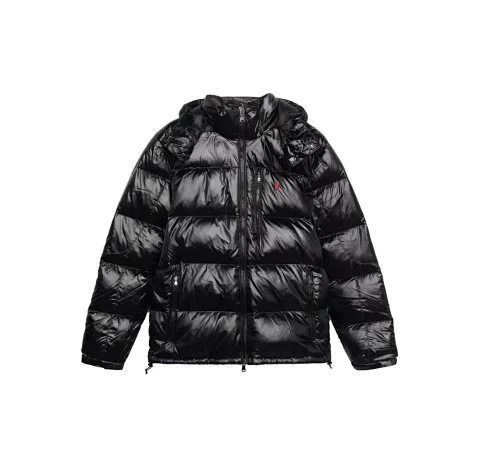

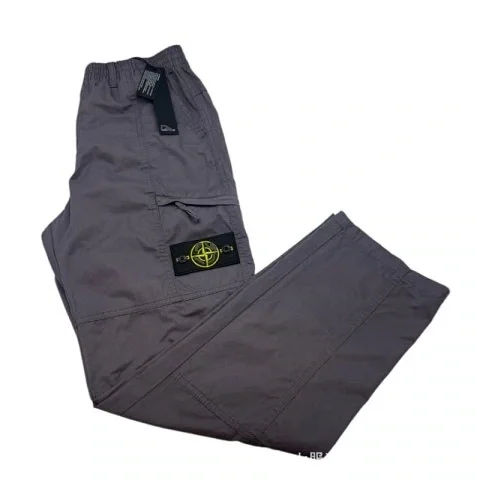
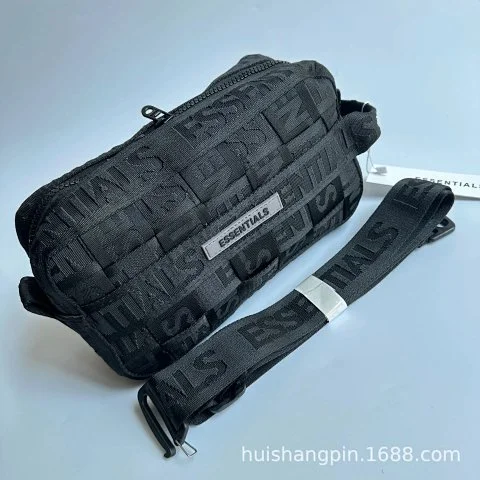
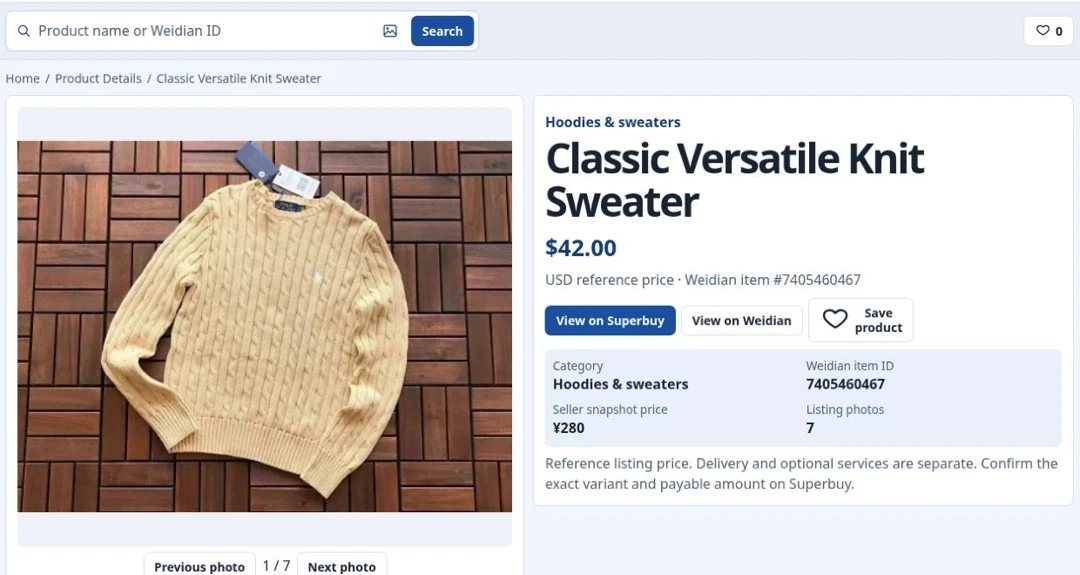
How to read a product detail page
View all productsEach result opens its own product page, where the seller gallery, listing specifications, price, warehouse photos, and agent links are tied to the same Weidian item ID.
Open example productRead the full product guide
Start with the exact Weidian listing
Open View details from a product card or search the numeric Weidian ID. Check the ID under the product name against the original seller link. Similar names and photos can appear on several listings. Use the item ID to make sure you are comparing the same product.
Inspect the seller’s image gallery
Use the thumbnails or Previous photo and Next photo to compare the angles available for the product. Select the large image to inspect details such as the label, seams, closures, or packaging. A gallery can show several variants, so match the photo to the specific option you intend to buy.
Read the listed styles, sizes, and measurements
Seller specifications shows the listing title, seller, option groups, and variant price range when FindSpreadsheet returns those fields. For clothing, compare the relevant garment measurements with a piece you own. For footwear, check the seller’s size system and foot-length guidance. Verify that the exact style and size combination is available on the seller page.
Compare the reference price with the checkout total
The catalog converts the saved CNY listing price into your selected currency. The seller’s variant price range uses the options available from the product feed. Check the price for the exact variant and quantity at checkout, and account for domestic delivery, agent services, or international shipping where applicable.
Distinguish seller photos from warehouse QC
The gallery contains listing imagery. The Warehouse QC section shows saved inspection photos where available and labels the source agent. Historical pictures are useful for checking which angles to request. For your own order, review the warehouse photos of the unit you received and check its tag, size, color, and visible condition.
Open the same item on another shopping agent
Use View on Superbuy for the direct purchase link. To compare alternatives, choose a platform from the Other shopping agents dropdown and select Open listing. The link carries the same Weidian item ID. Confirm the item, variant, fees, and available services on the destination site before placing an order.
Save and compare related products
Use the heart to save a listing in your browser. The Related products section links to other items in the same category. Compare the price and seller options side by side and use the original listing links to verify the differences before choosing.
Verify your selection before submitting an order
Confirm the item ID, exact option, quantity, and payable amount. If a listing has limited seller details or historical QC, use the original seller page for the missing information and plan to inspect your own warehouse pictures before requesting international delivery.
How to buy with Superbuy
Open buying guide1Find the exact Weidian listing
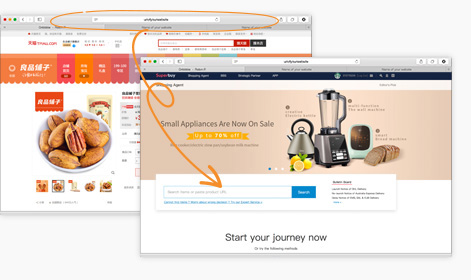
Search this site by name, item ID or reference photo. Open a product page and compare the gallery with the original Weidian listing. Use the ID to separate visually similar items. Open Superbuy with the product button or copy the original link into Superbuy’s product search.
 Official Superbuy reference
2Choose color, size and quantity
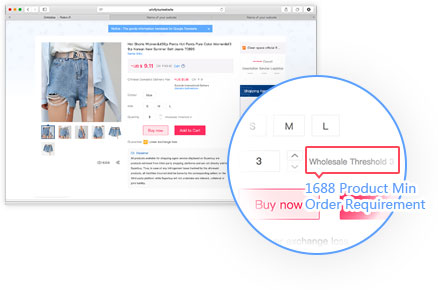
Compare the seller’s measurement chart against an item you own. Confirm color, size, version and included pieces. If Superbuy opens a manual shopping-agent form, copy the exact listing link and enter the seller’s option and quantity before checkout.
 Official Superbuy reference
3Review the first payment
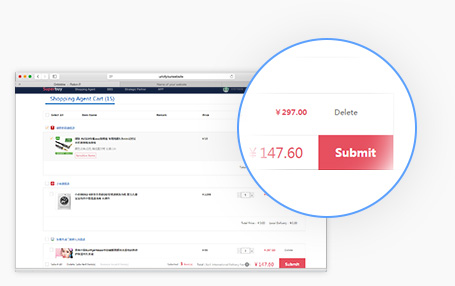
Review the current variant price and domestic delivery to the warehouse in China. International delivery is handled separately after the items arrive. Plan ahead with the official estimator, especially for bulky parcels.
 Official Superbuy reference
4Check your own warehouse photos
After intake, find the exact item in My Warehouse and review the inspection photos. Check the size tag, color, condition and included pieces. Raise a mismatch in the order or support thread while the item is still in the warehouse.
 Official Superbuy reference
5Build a parcel and compare routes
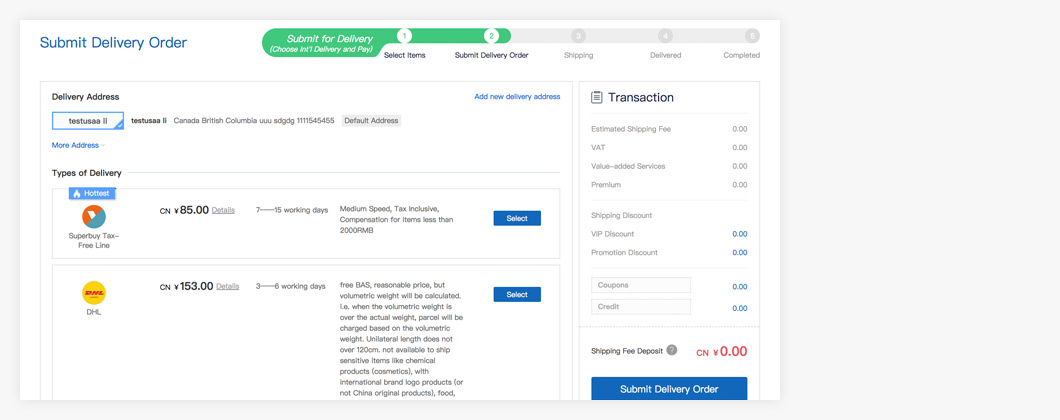
Select the ready items in My Warehouse, enter the destination, and review packing options. Compare eligible routes with packed weight and dimensions. Check restrictions for the contents and route before submitting.
 Official Superbuy reference
6Review shipping charges and track delivery
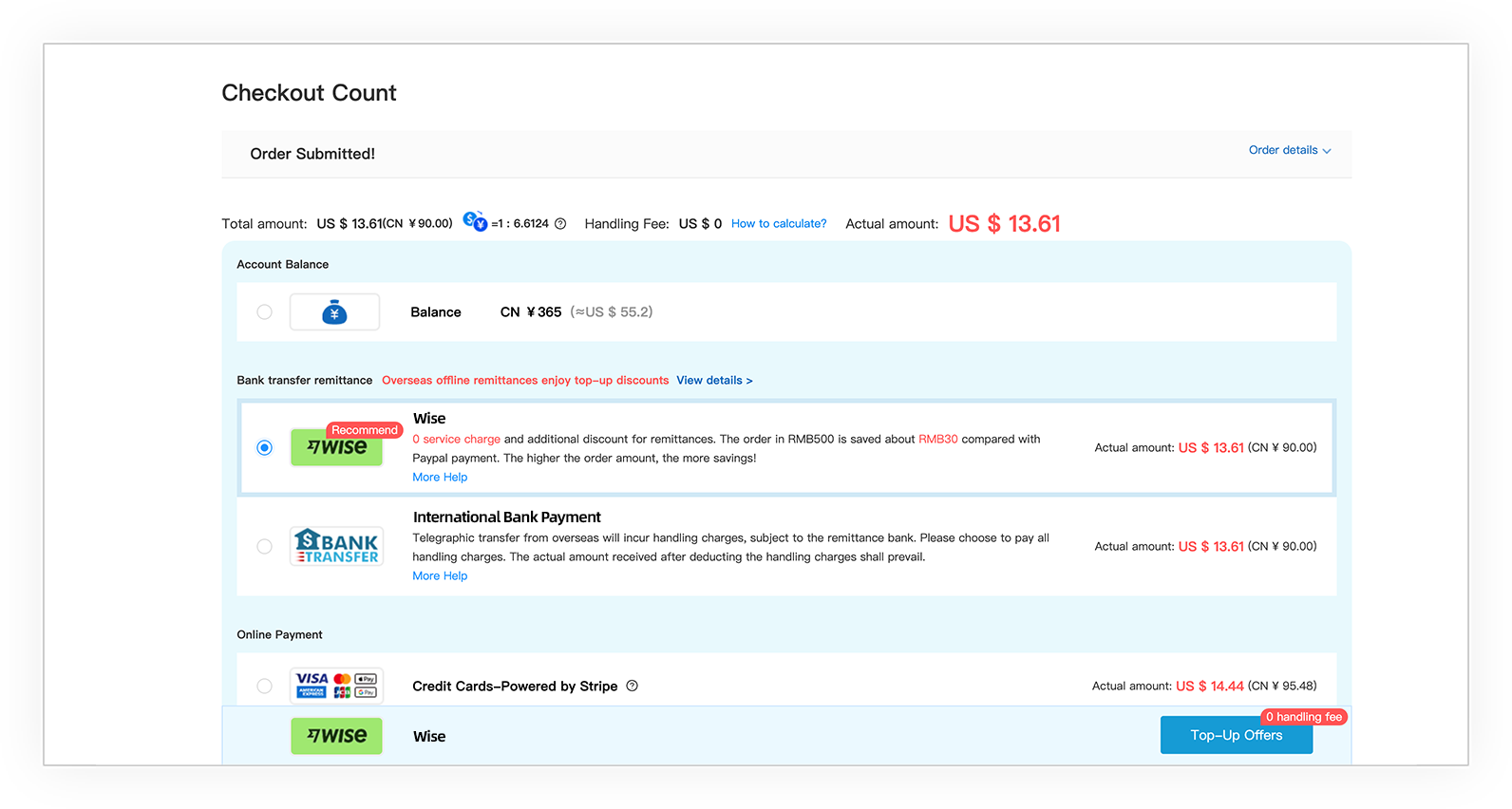
Review the shipping charge or deposit before confirming the parcel. After dispatch, use the parcel record or official tracking tool. If the contents differ when it arrives, keep the label and photos so support can identify the parcel.
 Official Superbuy reference
Superbuy spreadsheet FAQ
See all FAQsWhat is the Superbuy spreadsheet?
It is a searchable index of Weidian products from a saved FindSpreadsheet export. It provides item IDs, seller photos, reference prices and Superbuy links. The seller listing and Superbuy checkout show the current information.
How do I find an exact Weidian item?
Paste the numeric item ID, original Weidian URL or a Superbuy URL containing the original listing. For names, use a few specific product terms and narrow the results by category.
Can I search for a product using a photo?
Open Search by image next to the text search and choose a clear photo or cropped screenshot. The browser compares listing covers, gallery photos, saved QC photos and the site’s guide and brand images. Confirm the item ID because close visual matches can be different listings.
Are listing photos and warehouse QC the same?
Seller photos present a listing. Warehouse QC shows a unit that an agent received. Saved reference QC can come from earlier orders and agents. For your own parcel, use the inspection photos in your Superbuy account.
What if an item has no reference QC?
The product page labels saved QC when available and shows an empty state otherwise. Use listing images for design comparison and wait for your own warehouse photos before forwarding.
Does the USD price include shipping?
The displayed USD amount is converted from a saved CNY listing price. Verify the selected variant and domestic delivery at checkout. International freight, packing and other services can change the total.
How do I choose a size?
Read the seller’s chart for the exact variant. Tops: compare chest, shoulder and length. Pants: compare waist, rise and inseam. Shoes: check the seller’s size scale and foot-length guidance.
Can I ship multiple orders together?
When items are ready in My Warehouse, select the ones you want to send together. Compare packing options, route eligibility, actual and dimensional weight, and total cost before submitting.
What if the Superbuy product link cannot load?
Open the original Weidian listing first. If it is still available, copy it into Superbuy’s official search field. Follow the manual shopping-agent process if offered. If the listing is unavailable, search the catalog for another item.
Where do I check delivery and a problem with my order?
Use the parcel record or official tracking tool after dispatch. For a variant, missing part or visible damage, contact support through the relevant order and include the parcel or order number and clear photos.
Is this an official Superbuy store?
Superbuy Findsheet is an independent product directory. Registration, orders, payments and official support take place on Superbuy. This site may receive referral credit when you use sponsored links.